Turn your iPhone into a sensor platform
Stream LiDAR depth, RGB camera, IMU, and GPS data to your computer over Wi-Fi or USB. Direct ROS 2 integration for robotics and research applications.

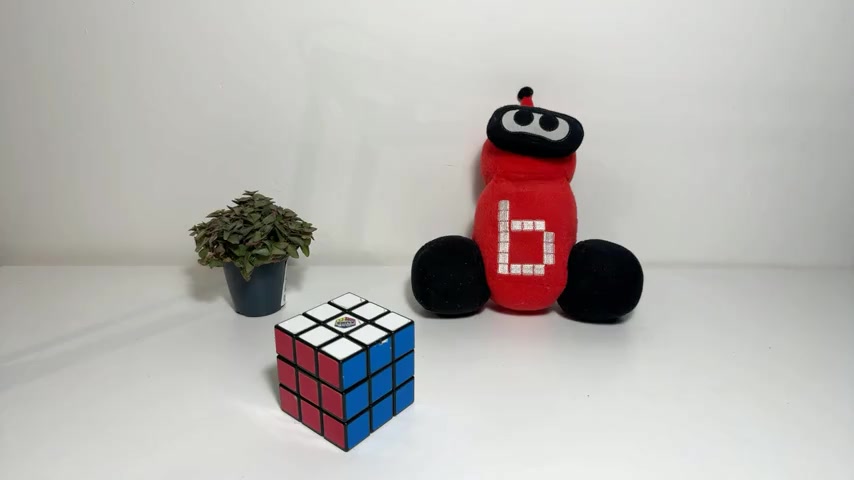
Sensor Streams
Access the full power of your iPhone's built-in sensor suite with precise timing and low latency.
LiDAR Depth
256×192 depth frames, or Pointclouds at up to 30 FPS from depth cameras*
*Requires LiDAR or FaceID-equipped iPhone
RGB Camera
JPEG-compressed colour frames from wide-angle or front-facing camera
IMU
Accelerometer, gyroscope, and quaternion orientation data
GPS
GNSS position data for outdoor localization and mapping
Built for Real-Time Applications
Everything you need to integrate iPhone sensors into your robotics workflow.
Wi-Fi Streaming
Connect wirelessly over your local network. Scan the QR code from the app for instant pairing.
USB Connection
Low-latency wired connection, allowing for higher stability and lower latency.
ROS 2 Integration
Companion ROS 2 driver node publishes directly to ROS 2 topics using standard ROS message types.
Configurable Output
Choose which sensors to stream and adjust settings like frame rate and resolution on the fly.
On-Device Preview
Real-time visualizers for each sensor, allowing you to adjust the output you want.
ROS 2 Ready, in 4 steps
The companion driver publishes sensor data directly to ROS 2 topics using standard message types. Use it for your existing robotics stack with zero modifications.
sensor_msgs/Image depth frames
sensor_msgs/CompressedImage RGB frames
sensor_msgs/Imu acceleration and orientation
sensor_msgs/NavSatFix GNSS position
# 1. Clone and install deps
$ git clone https://github.com/martijnhabers/sensorstream_driver
$ sudo apt install libprotobuf-dev protobuf-compiler libusbmuxd-dev

# 2. Build the driver
$ cd sensorstream_driver
$ colcon build --packages-select sensorstream_driver
$ source install/setup.bash

# 3. Start the driver
$ ros2 run sensorstream_driver ios_driver_ros

# 4. Connect from the app and you're done!
How It Works
From install to streaming in under five minutes.
Install the driver
Install the sensorstream-driver on your host computer with Python 3.9+ and ROS 2 Humble.
Connect your iPhone
Open SensorStream, go to Settings → Network, and connect via Wi-Fi (scan QR) or USB.
Configure sensors
Enable the sensors you need on the Dashboard. Adjust settings like resolution and frame rate.
Start streaming
Tap Start Streaming and sensor data flows directly to your ROS 2 topics. That's it.
Requirements
Make sure you have everything you need to get started.
iPhone
- iOS 15.6 or later
- LiDAR sensor for depth streaming (iPhone 12 Pro and later)
Host Computer
- Python 3.9 or later
- ROS 2 Humble
Ready to start streaming?
Download SensorStream from the App Store and install the companion driver to get started.